Say what you spent
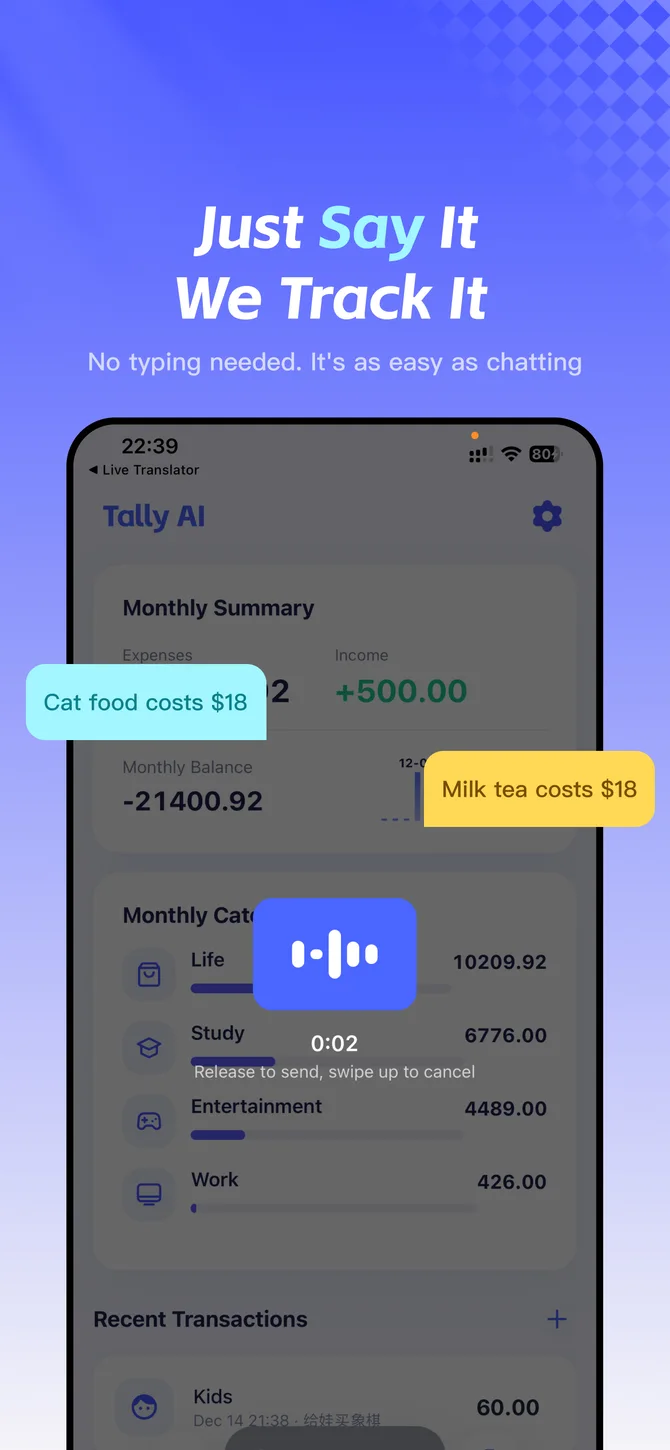
Say “Coffee for $5 and lunch for $12.” Tally AI recognizes the amounts and categories and splits the expenses into separate entries. You can type the same thing, too.
 Tally AI
AI EXPENSE TRACKER FOR IPHONE
Log expenses by voice, text, or photo. Tally AI turns everyday purchases into an organized ledger on your iPhone.
Download on the App Store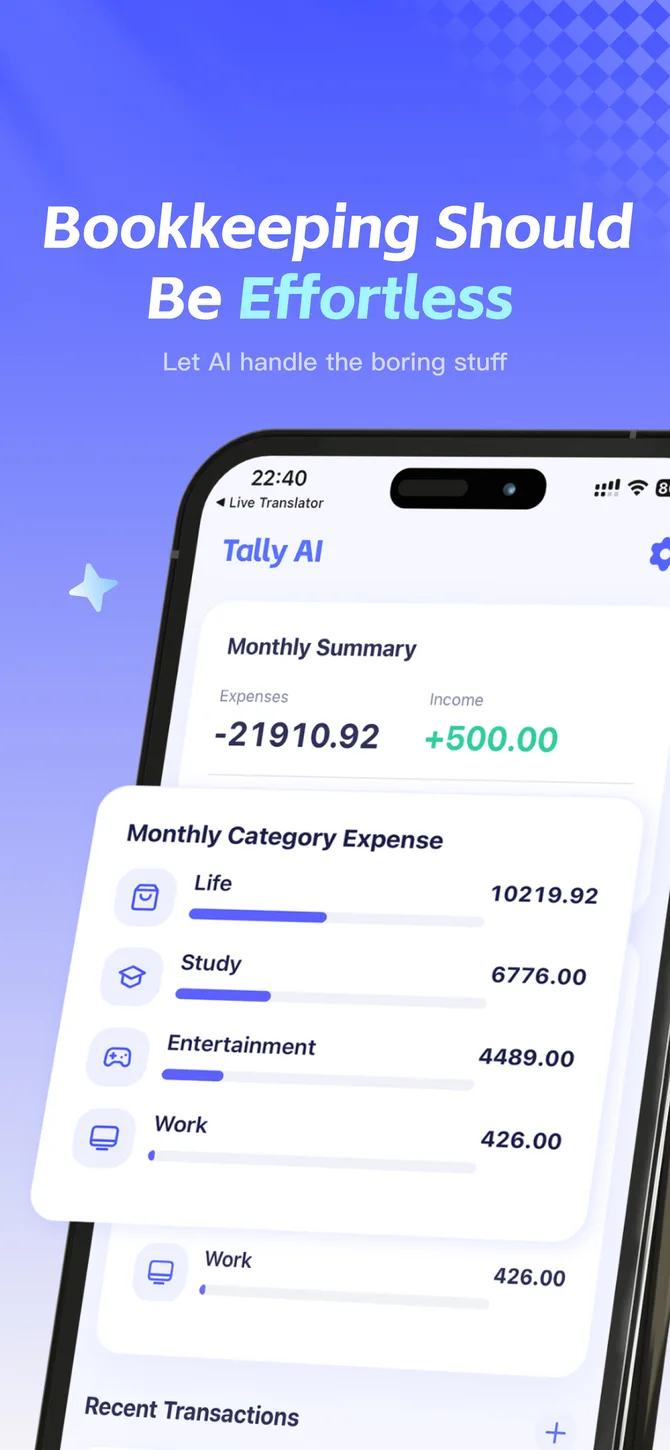
Say “Coffee for $5 and lunch for $12.” Tally AI recognizes the amounts and categories and splits the expenses into separate entries. You can type the same thing, too.
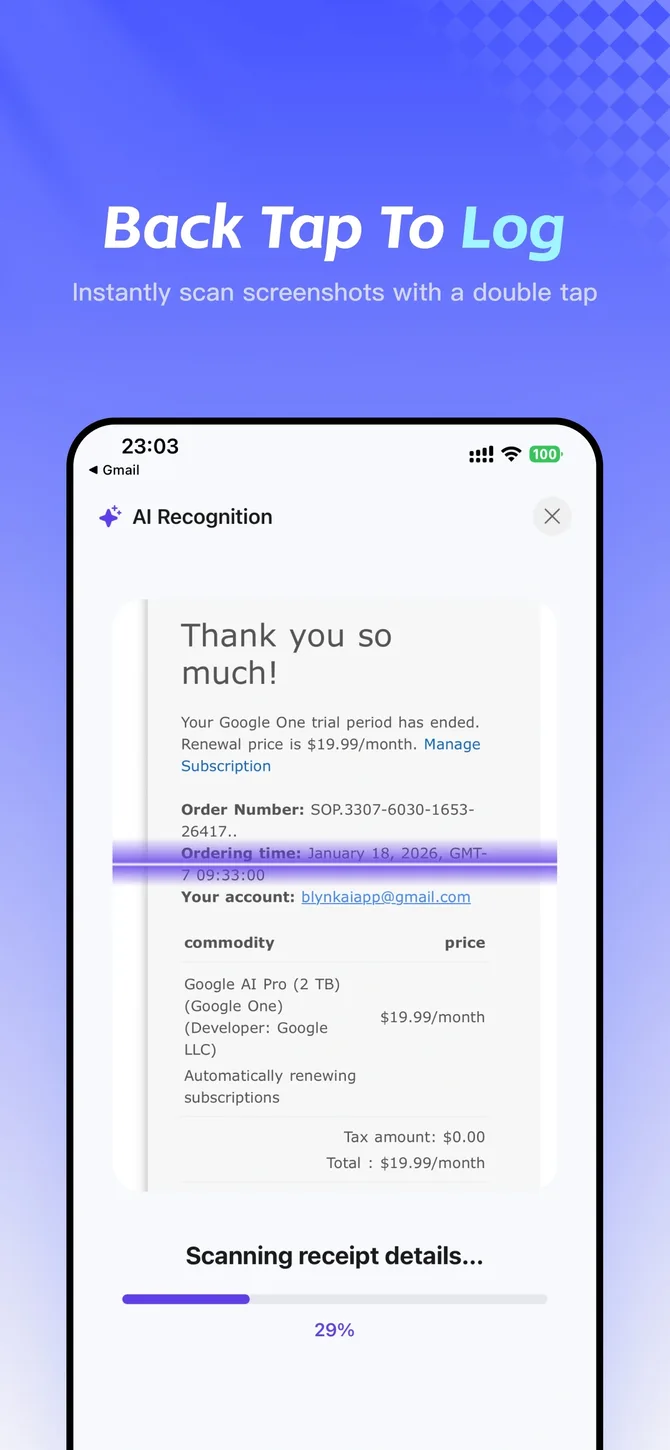
Take a photo of a receipt or choose a payment screenshot. Tally AI extracts the transaction details so you can review them in your ledger.

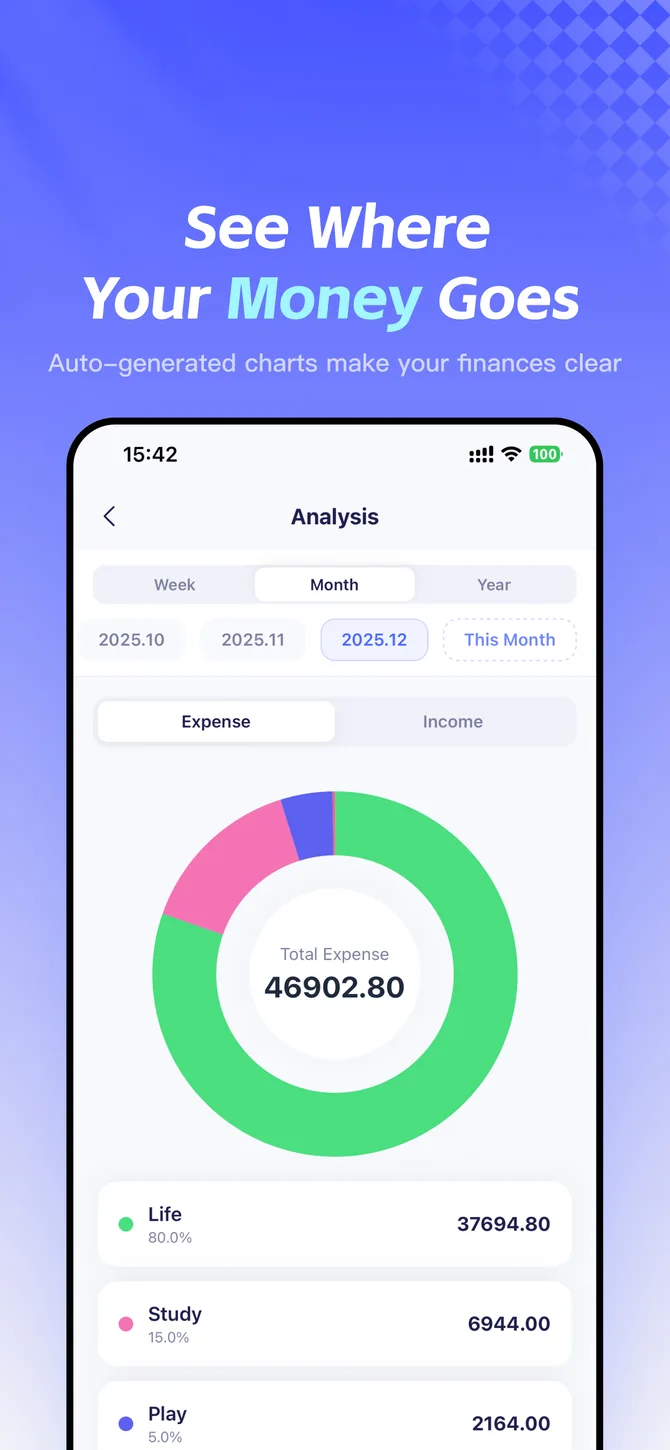
Review your spending by category and over time. Use charts to spot patterns and set a monthly budget to keep track of what’s left.
Open the Shortcuts guide in Settings to set up quick entry on iPhone. Add a Home Screen widget for quick access to your ledger.
Yes. Say or type several expenses together, and Tally AI can split them into separate records.
Open Settings in the app to find the import and export options. For WeChat Pay and Alipay, export your statement from the payment app first, then import the file in Tally AI.
Yes. Include the currency when you record a purchase. Tally AI can identify it and convert the amount for your ledger.
Tally AI is available for iPhone on the App Store. It’s free to download and offers in-app purchases.